You can update your payment information online or over the phone with our virtual assistant. Both methods described below:
"What if I want Fongo to re-attempt charging the same credit card that is currently on my account?"
See this article.
Online
1. Log in to your Fongo Home Phone account at account.fongo.com/login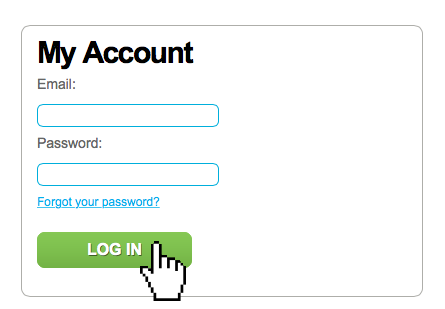
2. Click "Payment Info" near the bottom of the screen, or within the "Account" dropdown
3. Update your credit card information and click the "Update Information" button
- This new credit card information will stay on your account until you modify it again
- All future payments will use this credit card
- If you have an outstanding balance, our system will automatically charge the new credit card within 24 hours of you updating your credit card
Over The Phone
Call our virtual assistant using your Fongo Home Phone number: 1-855-553-6646 x308
DO NOT CALL WITH YOUR CELL PHONE. You must call using your Fongo Home Phone for verification purposes (even if suspended, you can call Fongo).
- This new credit card information will stay on your account until you modify it again
- All future payments will use this credit card
- If you have an outstanding balance, our system will automatically charge the new credit card within 24 hours of you updating your credit card